Before you play 2 min read
How a chess clock works
Make your move, press your side, understand the extra seconds
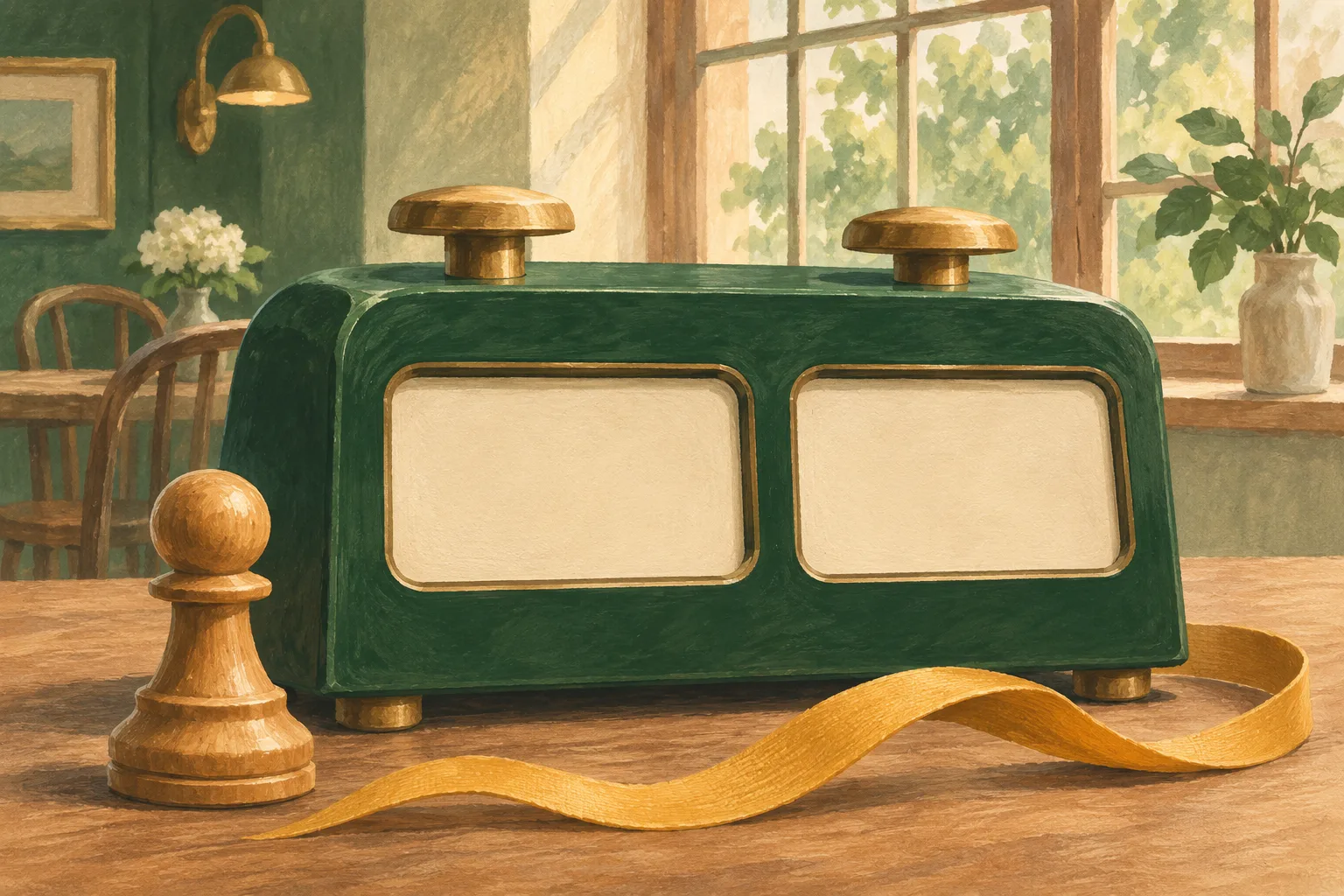
A chess clock gives each player their own thinking time. Only one side runs at a time. You do not need to know every button before a tournament, but you should understand the routine and ask about the settings before play.
The move-and-press routine
When your clock is running, make your move, release the piece, and press your side with the same hand. Your clock stops and your opponent’s starts. Do not press before moving, hover a finger over the button, or hit the clock forcefully.
The time between moving and pressing still belongs to you. A player who forgets to press can keep losing time. Before round one, ask which button pauses the clock and how the current time control appears; do not experiment with settings during play.
Sources & further reading: [1]
Increment: time added for each move
In 5+3, each player has five minutes plus three seconds per move. For a simple example, suppose your display shows 5:00 before your turn: spending two seconds and then pressing leaves 5:01; spending eight leaves 4:55.
Unused increment stays on your clock. A display can therefore increase after a quick move. Whether the first increment is already included in the initial display depends on the event’s prescribed setup. The example starts from the time actually shown.
Try one move
A step-by-step example, not a running timer. Start from a display of 5:00 and compare three seconds of increment with three seconds of delay.
Your remaining time5:00
Choose how long your move takes.
Sources & further reading: [1]
Delay: a short protected period
With a three-second delay, the first three seconds of a turn do not reduce your main time. From 5:00, a two-second move leaves 5:00; an eight-second move leaves 4:55. Unused delay does not build up for future turns.
Clock models may show delay by waiting before counting down or by restoring the protected seconds after the press. Check the mode with the arbiter: a delay is not the same setting as increment.
Sources & further reading: [1]
When the clock becomes a problem
If a display looks wrong or a button fails, call the arbiter and preserve the position. Pause when necessary to seek help; do not add time or reset a move counter yourself.
Running out of time is usually a loss, but whether the opponent could possibly checkmate matters. A clock’s move counter is not proof that you completed the required legal moves. Our separate guide covers claims, penalties and time expiry.
Sources & further reading: [1]
Sources & further reading
Rules and rating information checked on 13 November 2026. Follow the current official rules and the event’s published conditions; the arbiter decides claims at your tournament.